
 Top games
How to Play Melon Sandbox: A Beginner’s Guide to Ragdoll Physics, Weapons & Mods


Melon Sandbox turns your screen into a tiny science lab. There’s no boss to beat. There’s no clock ticking. You just build a scene, drop in a ragdoll, and watch what happens. Want to know how to play Melon Sandbox without getting lost? This guide covers the basics step by step. You’ll learn how ragdoll physics works. You’ll learn how to test weapons safely. You’ll also learn how to add Melon Sandbox mods once you’re ready. Think of yourself as a mad scientist, minus the lab coat and the actual danger. Let’s get your first experiment running.
What Kind of Game Is Melon Sandbox
Melon Sandbox is a ragdoll physics game built for messing around, not winning. There’s no score. There are no levels to clear. There’s no final boss waiting at the end. Instead, you get a blank stage and a pile of tools. You drop ragdolls, add objects, and watch gravity, momentum, and collisions do their thing.
This is what makes it a true sandbox game. You decide the rules, or skip them entirely. One round you might build a calm obstacle course. The next, you might blow up a tower just to see the chain reaction. Either way works fine.
As a physics sandbox, the fun comes from cause and effect. Push something, and something else reacts. That loop is the whole appeal. It’s exactly what this Melon Sandbox beginner guide will help you master.
The Core Loop: Build, Test, Improve
Once you get the hang of it, Melon Sandbox runs on a simple loop. You pick a map, spawn a ragdoll or two, and start adding props. Then you bring in tools or weapons, run your test, and see what breaks, flies, or flops.
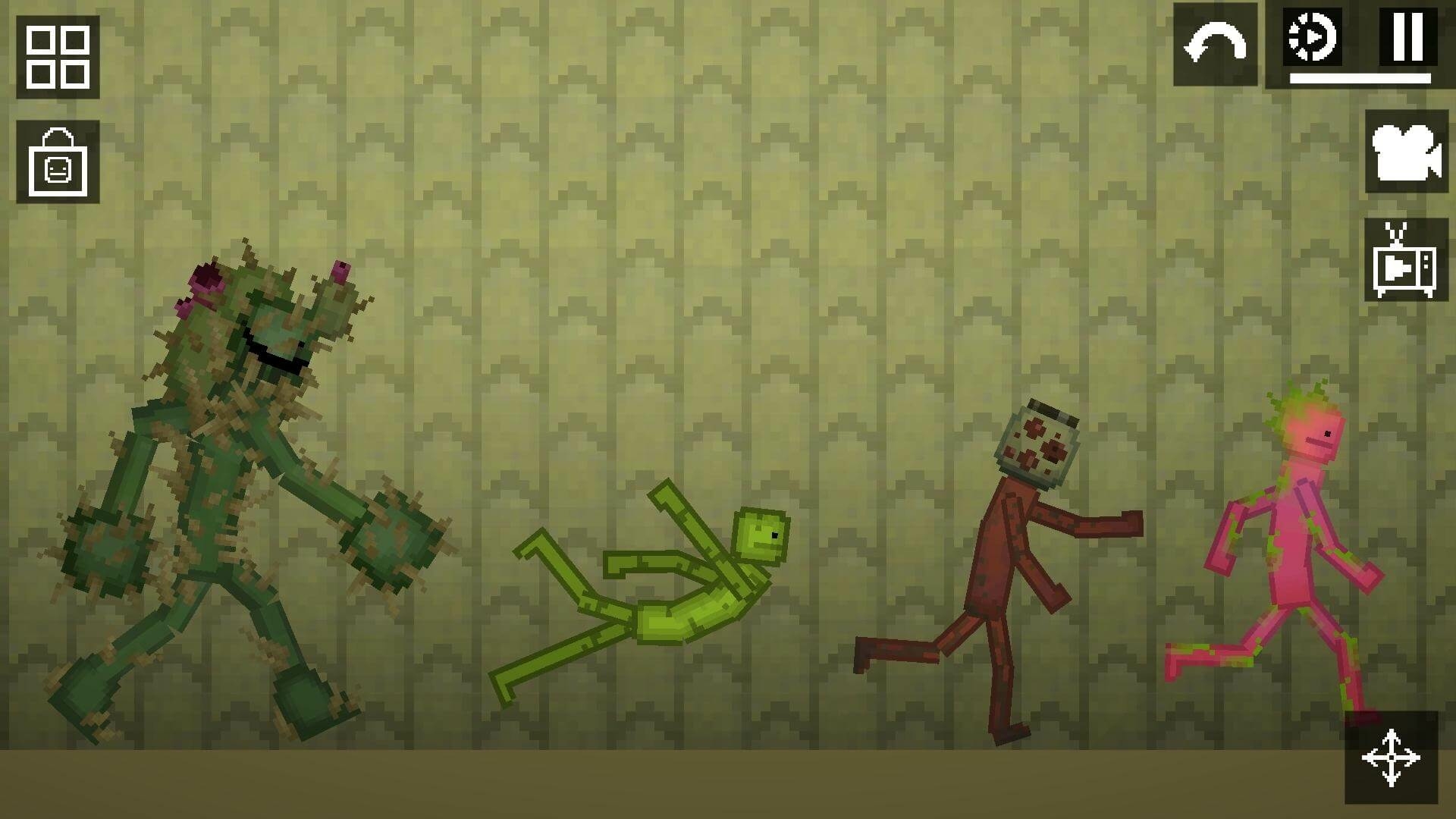

After that first run, you tweak something small. Maybe you move a wall. Maybe you swap a weapon. Then you test again. This build, test, improve cycle is how every good scene comes together.
Switching into sandbox mode means you’re free to skip steps you don’t care about. No one grades your object interactions here. If a setup looks fun, keep it. If it flops, scrap it and start over. The loop only takes a few minutes, so failing costs you nothing but time.
Beginner Setup: First 10 Minutes
Your first ten minutes set the tone for everything after. Here’s a simple checklist for learning how to play Melon Sandbox without feeling overwhelmed.
- Pick a small, open map. Less clutter means clearer results.
- Spawn one or two ragdolls. You don’t need a crowd yet.
- Practice basic move and rotate controls on a single object.
- Place one simple prop, like a box or a ramp.
- Run one safe, low-chaos test before touching weapons.
That’s it. No need to build a masterpiece on day one. The goal is comfort with controls, not a finished scene. Take your time on each step. Rushing just means redoing it later.
Once moving, rotating, and spawning feel natural, everything else gets easier fast. You’ll be running real experiments before you know it. Treat this short window as practice, not performance. Nobody is watching your first wobbly ragdoll fall over.
Ragdoll Physics Basics (So It Stops Feeling Random)
Ragdoll physics can feel chaotic at first. Bodies flop, props fly, and nothing seems to follow logic. But there’s a real physics engine under the hood, handling weight, momentum, and collisions every time something moves.


Once you understand a few basics, the chaos starts making sense. Here are five beginner rules to keep things readable.
- Run small tests first. Big scenes hide what actually caused the result.
- Change one thing at a time. Two changes at once muddy your data.
- Watch angles closely. A slight tilt changes how a ragdoll lands.
- Pay attention to gravity tests. Drop heights change outcomes fast.
- Track ragdoll movement after impact, not just the impact itself.
Follow these, and ragdoll physics stops feeling random. It starts feeling like a tool you actually control.
None of this needs math homework or a science degree. You just need patience and a willingness to repeat a test until the pattern shows itself. Most beginners skip this stage and jump straight to chaos, then wonder why nothing makes sense later. A few quiet, careful tests now save you a lot of confusion down the road.
Weapons 101: How to Test Without Wasting Time
Testing Melon Sandbox weapons randomly wastes time. You hit something once, shrug, and move on without learning much. A better approach treats every test like a mini experiment.
Set up a controlled space first. Use a safe baseline target, like a single ragdoll on flat ground. Test one weapon, note what happens, then reset the scene exactly the same way.
Compare one weapon at a time against that baseline. This keeps your damage testing honest. You’ll start noticing real differences in knockback, range, and effect between melee weapons, firearms, and bigger tools fast.
Resist the urge to grab every weapon at once. One tool, one test, one clear result. That habit alone speeds up your learning more than anything else. This approach turns random chaos into useful weapons knowledge, and honestly, that’s half the fun of the game.
Once your baseline is solid, start branching out. Try a new tool, then go back to your old results and compare. This simple habit is the backbone of any good Melon Sandbox guide, and these Melon Sandbox tips work for weapons just as well as they work for props.
Safe Practice: Start With Low Chaos


Before touching anything explosive, start small. Simple tools teach you more than big booms early on. Keep your test board clean and clear of extra clutter.
Fewer variables mean clearer answers. If your scene has ten props flying around, you won’t know what caused what. Strip it down. One ragdoll, one prop, one tool. Build up from there once the basics click. Low chaos now means faster learning later, and a calmer board means fewer surprises you can’t explain.
Make Better Experiments: Use Repeatable Setups
A simple test range makes learning faster. Use the same distance every time. Use the same target. Use the same wall or backdrop for every run.
This repeatable setup removes guesswork. When only one thing changes between tests, you actually know what caused the result. Every round becomes a real controlled experiment instead of a guess. It’s a small habit, but it pays off fast and saves you from chasing ghosts. Write down what changed each time, even just in your head, so you can spot the pattern as it builds.
Building Scenes: Props, Traps, and Simple Contraptions
Once basics click, start building real scenes. Add props like boxes, ramps, and barriers. Stack them into simple traps or quick drop tests.
A basic chain reaction is a great starting project. Line up a few objects, tip the first one, and watch it cascade through the rest. This teaches you how object interactions ripple through a whole scene.
Try simple contraptions next. A see-saw, a ramp into a pit, or a wall that collapses on contact all work well. Keep early builds small and forgiving. Complexity comes later, once your instincts catch up.


Building this way keeps things beginner-friendly. You’re not aiming for perfection on the first try. You’re aiming for understanding, one small contraption at a time.
Don’t worry if your first chain reaction fizzles halfway through. That’s normal, and it’s actually useful information. A failed cascade tells you exactly where your spacing or weight was off, which is more than a perfect run would teach you anyway.
What to Do Next (Easy Goals for Real Progress)
Once the basics feel natural, give yourself real goals to chase. This Melon Sandbox beginner guide wouldn’t be complete without a few missions to try. Goals turn open-ended sandbox time into something with a clear finish line, even when the rules are entirely your own.
- Build a mini test lab with a baseline target and storage area.
- Design a simple vehicle course using ramps and obstacles.
- Create a trap room with at least three chained reactions.
- Recreate a movie scene using only sandbox props.
- Build a tall tower and test exactly how it collapses.
- Set up a weapon comparison range for fair testing.
- Make a “survival” obstacle course for your ragdolls.
- Design a contraption that resets itself after each test.
Each goal pushes a different skill. Some teach building. Some teach testing. Together, they turn random play into steady, visible progress you can actually feel. Pick one a week, and within a month your scenes will look nothing like where you started.
Mods: What They Are and How to Use Them Safely
Melon Sandbox mods add new maps, items, and characters to the game. They’re a great way to keep things fresh once base content starts feeling familiar.


Stick to trusted sources only. Official mod hubs and well-known community sites are safer bets than random links from nowhere. Avoid shady downloads promising “cracked” content or strange extra features.
Basic hygiene matters here. Scan files before installing them. Back up your saves first, just in case something breaks. Add mods slowly, one at a time, so you can spot problems early.
If you’re wondering how to install mods in Melon Sandbox, the general steps stay simple. Download from a trusted source, follow the game’s mod folder structure, and restart before testing anything new. Skip anything that asks for odd permissions or personal information.
Going slow keeps your setup stable. A messy mod folder causes more headaches than fun, and nobody wants that.
It’s tempting to download everything at once when you find a great mod hub. Resist that urge. A handful of well-tested mods beats a pile of untested ones every single time, and that restraint is how you keep it stable as your collection grows.
Best Beginner Mod Types


Not all mod packs are equal for beginners. Custom maps are the safest place to start, since they change scenery without touching core mechanics.
Custom items come next, adding new props or tools without much risk. Custom characters are fun but slightly trickier to manage well. Physics tweaks should wait until you’re fully comfortable with the basics.
Stick to small, well-reviewed community content at first. Build confidence before chasing bigger, more complex mod packs.
A good rule of thumb: if a mod only changes one thing, it’s probably beginner-friendly. If it rewrites half the game’s rules, save it for later, once you actually know what the original rules felt like.
Common Mistakes (And Fast Fixes)
Even simple games have common traps for beginners. Here are some fast fixes worth knowing before you dive into Melon Sandbox weapons and bigger builds.
- Spawning too much at once. Start smaller and build up slowly.
- Mixing too many mods together. Add one mod at a time.
- Testing explosives before basics. Learn calm physics sandbox rules first.
- Skipping a baseline setup. Always compare against something steady.
- Ignoring camera angles. A bad angle hides useful results.
- Building messy scenes. Clean boards give you clearer answers.
- Forgetting to save progress. Save before any risky test.
- Rushing past ragdoll physics fundamentals. Slow down and observe.
- Chasing chaos over learning. Both matter, but learning sticks longer.
Avoid these, and your Melon Sandbox tips toolkit grows fast. Small fixes add up to genuinely big improvements over time. The difference between a frustrating session and a fun one usually comes down to one or two habits on this list.
Playhop: Start Melon Sandbox and Similar Games Now
Ready to actually play? Playhop lets you jump into Melon Sandbox straight from your browser. No downloads, no waiting, no install screens eating your afternoon.
This matters more than it sounds. Most sandbox game fans just want to start building, not troubleshoot installers. Playhop strips that friction away completely, so you skip straight to the fun part.
Click a link, and you’re in. That’s the whole setup process. It’s perfect for testing ragdoll physics ideas the moment they pop into your head, instead of losing the spark to a loading screen.
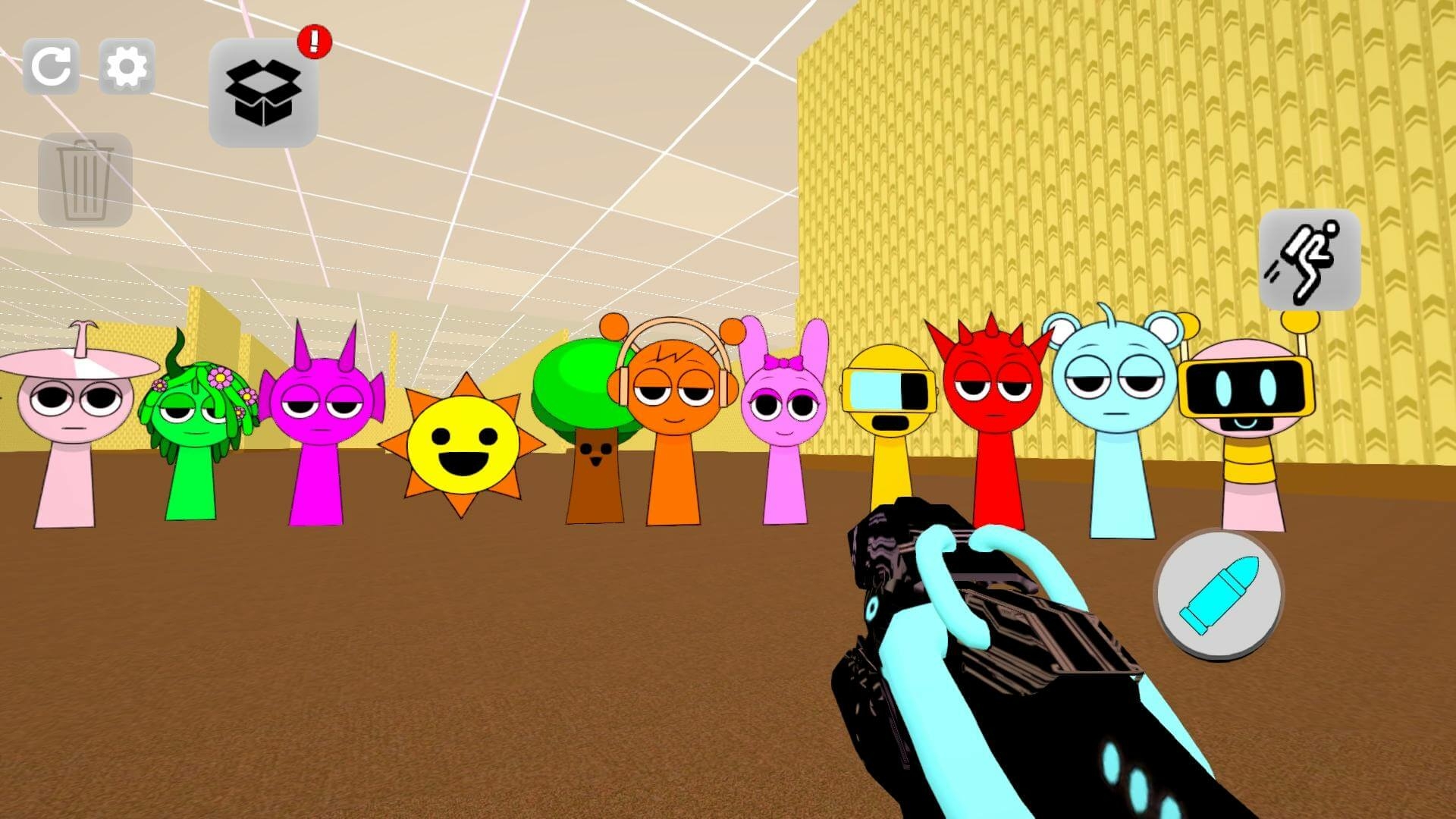

Browser play also makes Melon Sandbox easy to try anywhere. On a break at work, between classes, or just curious for five minutes, you can open it up and start experimenting right away. No installer, no patience required, no excuses left.
This setup also suits people who want to test the waters before committing to anything heavier. If you’ve hesitated over a big download for a game you weren’t sure about, browser play removes that risk. You try it, you decide, and you move on or dig deeper, all in the same minute.
It’s also a smart way to keep exploring the wider ragdoll physics game space. Once Melon Sandbox clicks for you, plenty of similar titles are sitting one click away, no extra setup required for any of them.
If you’ve been following this Melon Sandbox guide and want to put it into practice, this is your moment. The picks below get you straight into the action, no extra steps required.
Playhop Picks: Melon Sandbox and Mods
Start with Melon Sandbox, the core experience. It’s perfect if you just want clean ragdoll physics, simple tools, and room to experiment without extra noise.
Once you’re comfortable, try Melon Sandbox with Mods!. This version suits players who already know the basics and want extra maps, items, and characters baked right in from the start.
The base game suits true beginners learning how to play Melon Sandbox for the first time. The modded version suits players chasing variety after mastering the core loop. Both run instantly in your browser, so switching between them costs you nothing but a click.
There’s no wrong order here, either. Some players prefer to learn the rules first, then add mods once they’re bored of vanilla setups. Others jump straight into the modded version for extra variety from day one. Try both and see which pace fits you.
Playhop Picks: More Ragdoll Sandbox Chaos
Want more chaos after Melon Sandbox? Sandbox Playground 3D offers a similar physics sandbox experience, with its own spin on building and testing scenes.
It’s a solid next stop if you enjoy ragdoll physics game experiments and want fresh maps without leaving the genre behind entirely. The controls feel familiar, but the scenes and tools are different enough to stay interesting.
Switching between a few sandbox titles also helps you spot patterns. You start noticing what’s truly universal about ragdoll physics, and what’s just one game’s specific spin on it.
Bouncing between a couple of titles like this is also a great way to avoid burnout. When one sandbox starts feeling repetitive, a fresh map and a new toolset can bring the spark right back without losing any of the skills you’ve already built.
Playhop Hubs: Find More Physics and Weapon Games
Looking for more options once you’ve settled in? The ragdoll tag collects games built around floppy, physics-driven characters like the ones you’ve been testing here.
For broader discovery, check the physics tag. It rounds up titles where gravity tests, collisions, and momentum drive the fun, well beyond Melon Sandbox alone.
Both hubs make great bookmarks once you’ve burned through your first few favorite scenes and want something new. Save a few minutes every week to scroll through either tag, and you’ll always have a fresh sandbox waiting whenever the mood strikes.
Final Thoughts


Learning ragdoll physics takes a little patience, but it pays off fast. Build repeatable tests, add Melon Sandbox mods slowly, and don’t rush past the basics. Small, steady habits beat random chaos every time.
Now you know how to play Melon Sandbox the smart way. Pick a game above, fire it up in your browser, and start your first experiment today. Your first wobbly ragdoll is waiting.
Tags


Recent Posts